Appearance
Share a post
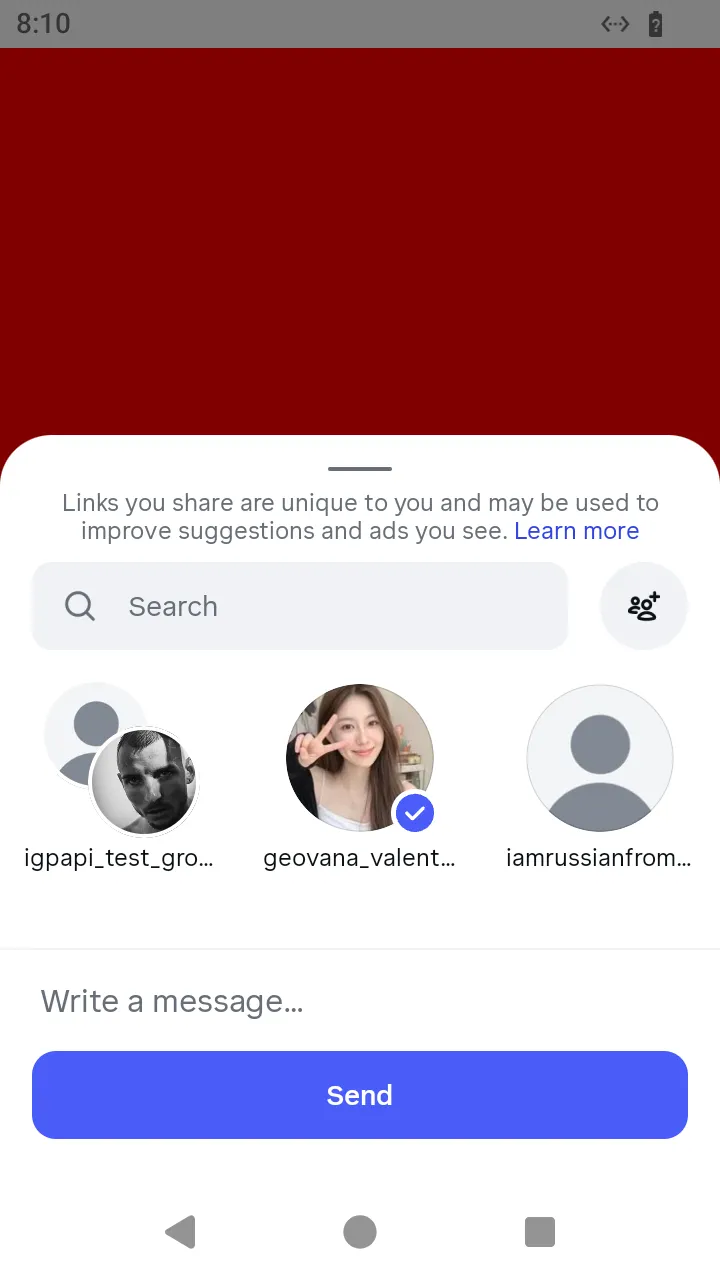
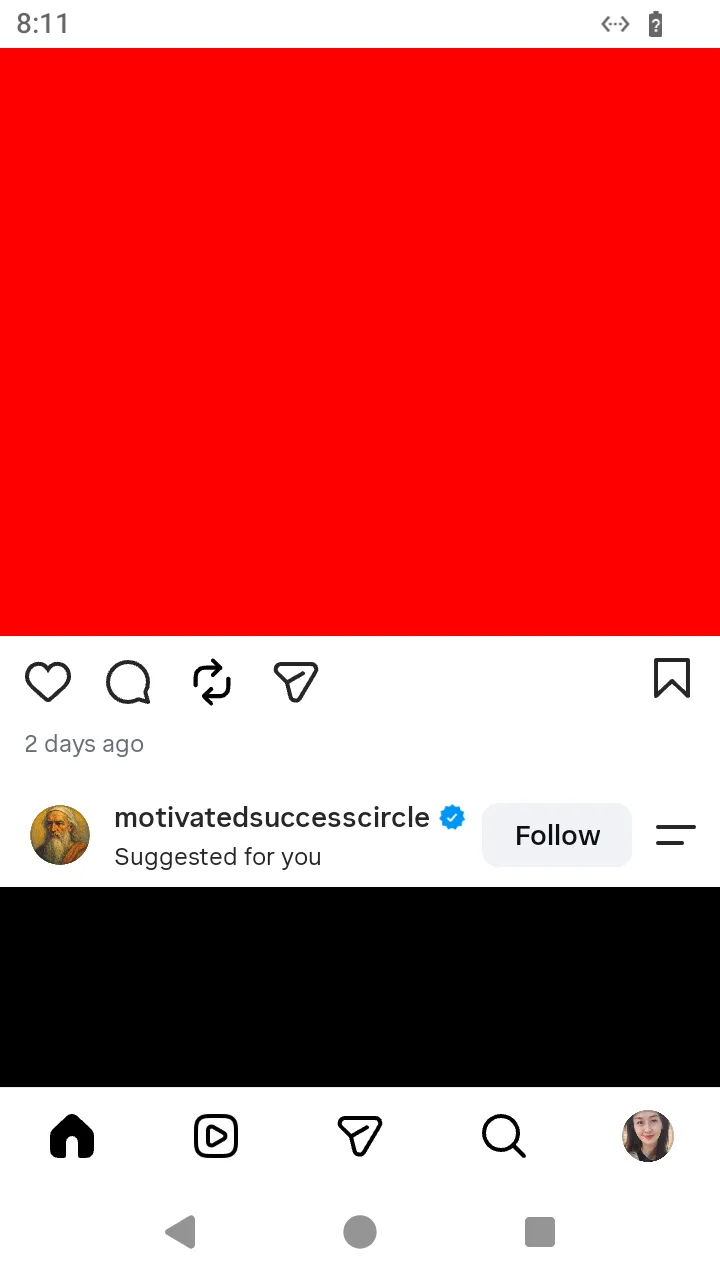
What the person sees. They tap the paper plane under a post of the feed; the Direct share sheet opens over the feed with the conversations the app keeps on the device, and the post goes into the conversation they tap.
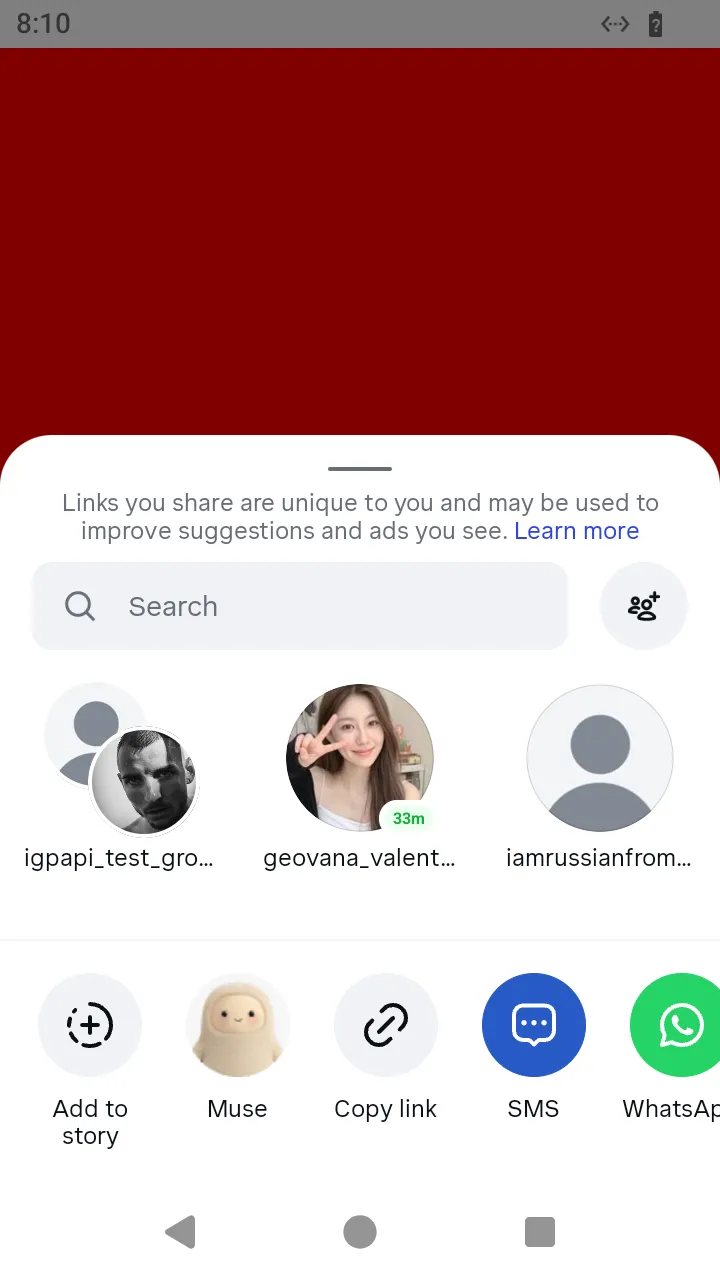
What you do. A post of the feed is an item of FeedTimelineScreen. Its share() opens the Direct share sheet (DirectShareSheetScreen); the sheet's threads are the conversations it offers, each an item whose send() sends the post into that conversation. Nothing is sent until a row's send() runs.
ts
import { AndroidIgpapi, FeedTimelineScreen } from '@igpapi/android';
import { Effect } from 'effect';
import { readFile } from 'node:fs/promises';

const saved = JSON.parse(await readFile('session.json', 'utf8'));

await AndroidIgpapi.launch({
  checkpoint: saved,
  screen: FeedTimelineScreen,
  main: feed =>
    Effect.gen(function* () {
      const post = feed.items.find(item => 'share' in item);
      if (post === undefined || !('share' in post)) return;
      const sheet = yield* post.share();
      const conversation = sheet.threads[0];
      if (conversation === undefined) return;
      const sent = yield* conversation.send();
      return sent;
    }),
});
What you get. The shared post in the conversation: the sheet answers the broadcast's answer, its payload.item_id the message the conversation now holds.
The wire. The post goes by POST api/v1/direct_v2/threads/broadcast/media_share/?media_type=photo, with send_attribution=feed_timeline, the post's container id as media_id, and the feed answer's inventory_source and ranking_info_token — the Android 451 app's own form.
Where the conversations come from. The sheet lists the app's local inbox store, the conversations the account's earlier visits left on the device; it sends no request for them. Open the Direct inbox first in a process that has never loaded it, and the store holds its threads.
What this page does not cover. A carousel, a reel, a profile and a reply to a story have their own pages: a carousel, a reel, a profile and a reply to a story.
The mediaShare*Message bricks remain for a caller that composes the broadcast itself: they build the same endpoint's message, and the sheet sends the form above.