Appearance
Music for Reels and stories
What the person sees. The music browser, the search results and the music editor, where a song and its volume are chosen.
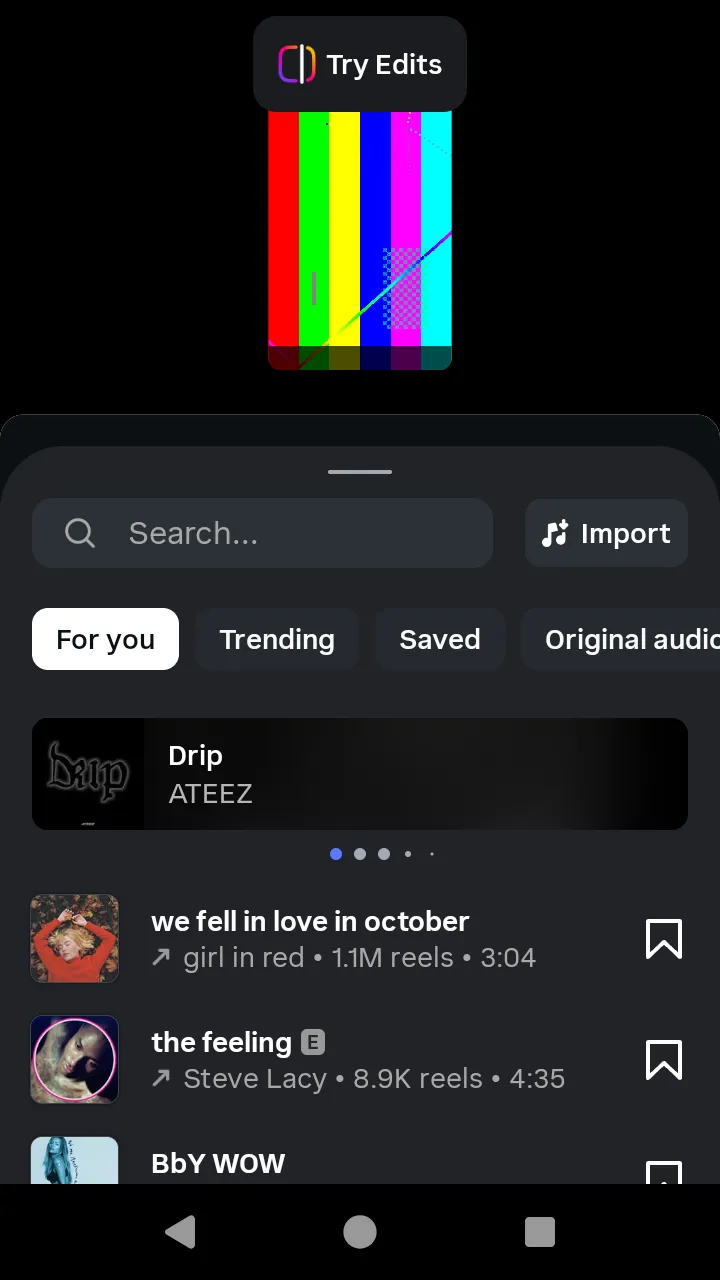 The music browser the Reel editor's Audio tool opens.
What you do. The music screens are shared by the story and the Reel; each flow passes its own product, and a product can never open another flow's screens. The story reaches them through the sticker tray (story, scenario 4), the Reel through the editor's Audio tool (reel, scenario 2); the programs for both are on those pages.
The matrix
| # | The person... | Starts on | Actions | Result |
|---|---|---|---|---|
| 1 | Browses the songs | the music browser | openSearch() | The search results with the first songs |
| 2 | Searches for a song | the music browser | typeQuery(text) and submitQuery() | The songs and the app's "Original audio" rows that match |
| 3 | Listens to a song (Reel) | the search results | listenToTrack(song, { listenMs }) | The player downloads and plays what the person hears |
| 4 | Picks a song for a Reel | the search results | selectTrack(song) | The Reel's music editor |
| 5 | Picks a song for a story | the search results | pickTrack(song), then the sticker editor's done() | The song handed back, trimmed at the track's first highlight |
| 6 | Sets the volume (Reel) | the Reel's music editor | adjustVolume({ song, original }), then done() | The song and the sliders' positions handed back |
How a song is chosen
PostingMusicBrowserScreen is the browser; openSearch() opens PostingMusicSearchResultsScreen. The search's rows are either a song (track, with its title and artist) or the app's "Original audio" row (originalAudio), which has no action.
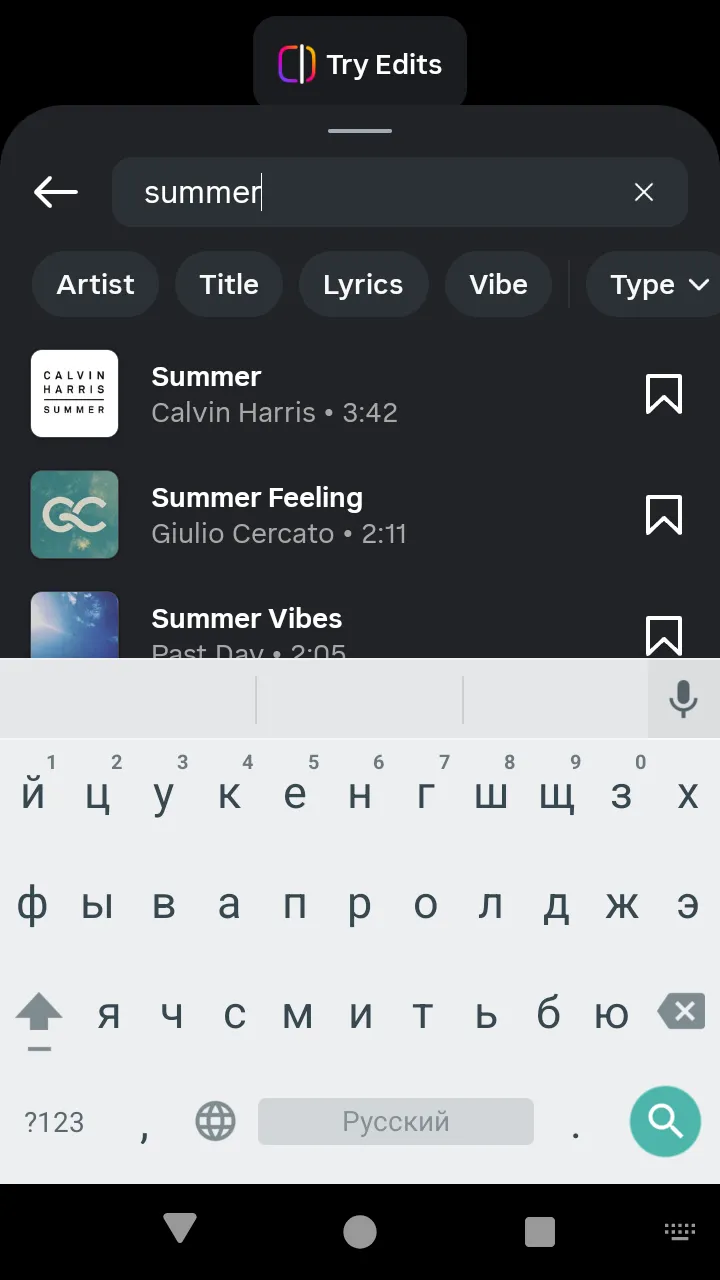 Search results:
 track rows you can pick.
The story's tap is pickTrack(song), which opens the story's sticker editor, whose done() hands the song back, with the trimmer left at the track's first highlight. The Reel's tap is two steps: listenToTrack(song, { listenMs }) and then selectTrack(song), which opens the Reel's music editor (PostingReelMusicEditorScreen). The Reel's search sends one page per typeQuery(text) and its second page on loadMoreResults(); the story's search sends the keyword suggestions of every prefix from two letters and the two result pages, as submitted with submitQuery().
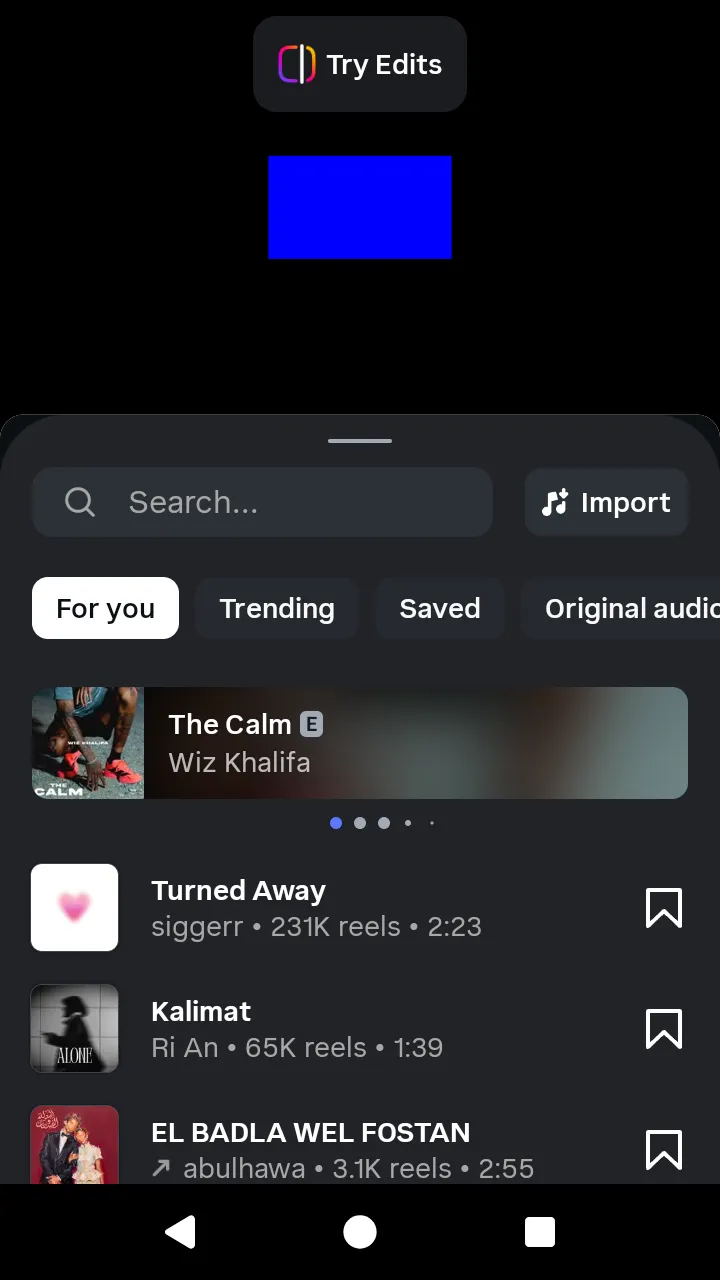 The story's music browser.
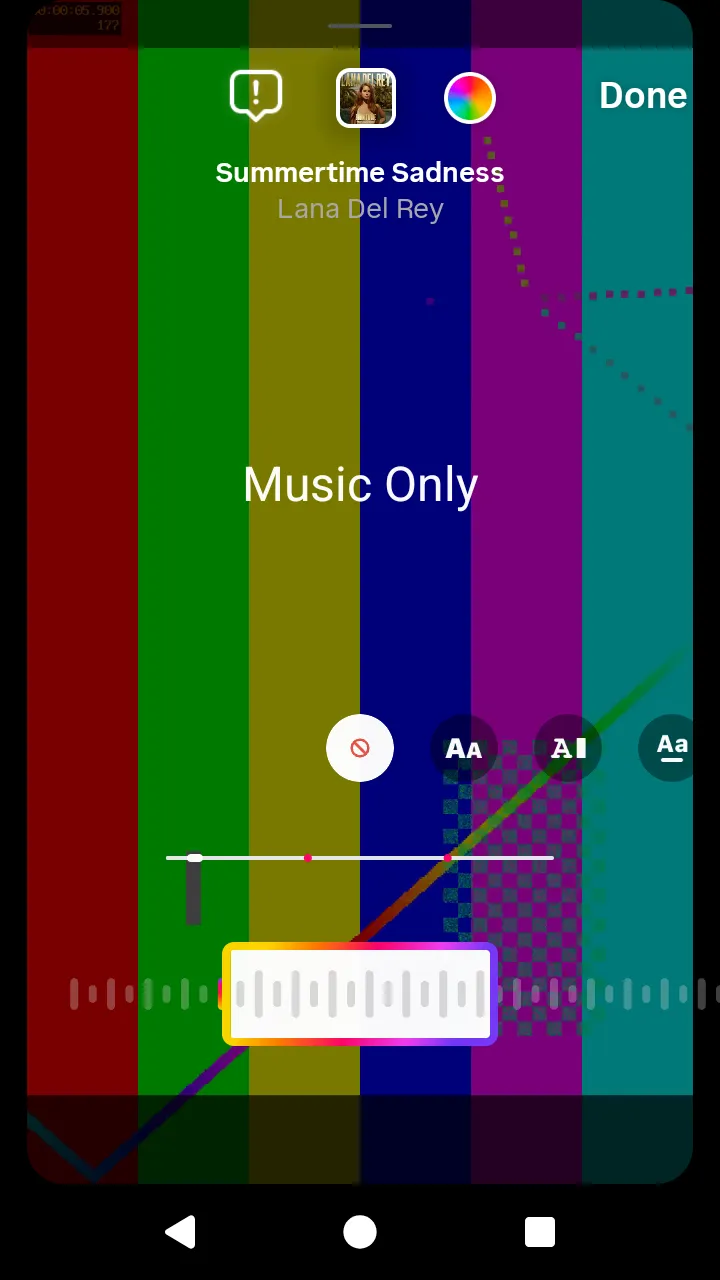 The Reel's music editor after
 selectTrack(song).
The volume
The Reel's adjustVolume({ song, original }) moves the two Volume sliders, each 0–100, and sends nothing: the gains reach Instagram only with the file itself. A slider's position s becomes the gain (s/100)³: 80 is 0.512, 20 is 0.008. The Reel mixes the song into the uploaded video at those gains when share() runs (reel). A story with a song uploads no audio: Instagram turns the photo into a video of the song's length. The music editor's done() hands the song back with the sliders' positions.
 The volume sliders:
 adjustVolume({ song, original }).
A song's place in the clip starts at the track's first highlight; a start that leaves less song than the clip lasts is refused before anything is sent.